SRT subtitle files for Hindi and Hinglish videos
Already edit in Premiere, Resolve or straight on YouTube? Upload the video here, fix the transcript, and take the .srt file back to your own setup.
No credit card. Cancel anytime. Sign in with Google.
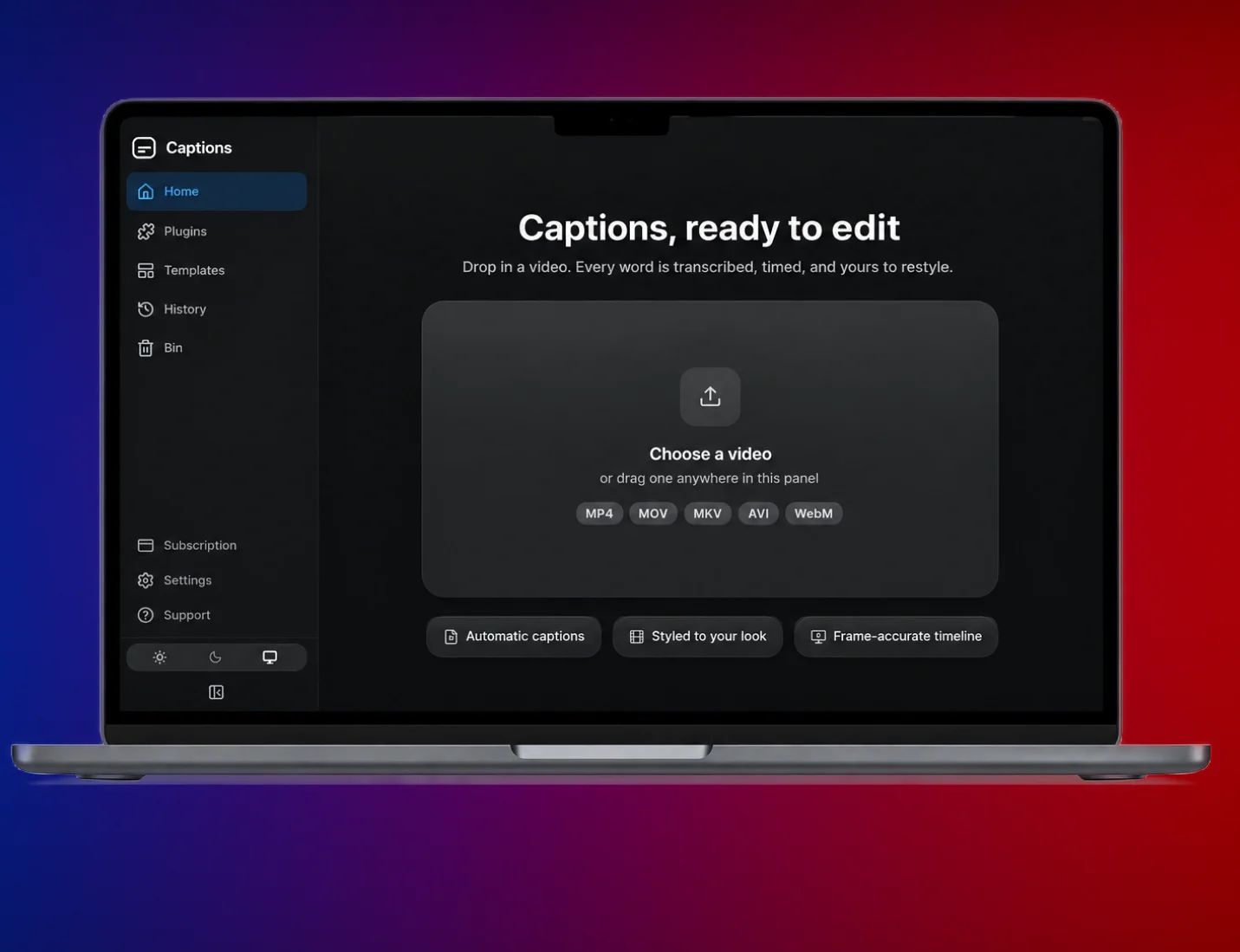
Getting an SRT file
Upload the video
MP4, MOV, MKV or WebM, with Hindi, Hinglish or English speech.
Check the transcript
Correct names and slang in the editor. Timing can be adjusted too.
Download the .srt
One click in the editor. The file has numbered, timed lines, ready to import.
Why make it here
Hinglish that reads right. Mixed lines come out the way you said them, in English letters.
Timing from your voice. Each line starts and ends where you speak it.
Edit before you download. Fix a word once and it’s fixed in the file.
Standard SubRip format. Opens in Premiere Pro, DaVinci Resolve, YouTube Studio and most players.
Or burn them in. Want captions on the video itself? Pick a template and export the reel instead.
Browser only. No plugin, no install.
Plans in rupees
Free
₹0 forever
- 2 minutes of transcription
- Watermarked playback to screen-record
- Every caption template
- 500 comment replies, 3 automations
Creator
₹599 per month
- 1.5 hours of transcription a month
- 2.5 hours of 1080p export, no watermark
- Unlimited replies and automations
- Every template, plus 5 of your own fonts
Pro
₹899 per month
- 3 hours of transcription a month
- 4.5 hours of export, up to 4K
- 3 Instagram accounts
- Priority processing, plus 10 of your own fonts
Questions people ask
Still unsure? Write to hello@30fps.in.
What is an SRT file?
A plain text file of numbered subtitle lines, each with a start and end time. Video editors and YouTube read it and show each line at the right moment.
Can I upload the SRT to YouTube?
Yes. In YouTube Studio, open the video, go to Subtitles and upload the file. Choose “with timing”, because the file already has it.
Is the SRT in Hindi script or English letters?
English letters, like the captions themselves, so the file reads the way Hinglish is typed online.
Which languages work?
Hindi, Hinglish and English, plus Punjabi, Marathi, Gujarati, Bengali, Tamil, Telugu, Kannada and Malayalam. Pick the language in Settings, or let 30fps detect it. The file comes out in English letters either way.
How long can the video be?
Up to 2 minutes on Free, 3 on Creator and 5 on Pro. Creator gives you 1.5 hours of transcription a month and Pro gives you 3.
Related
Caption your next reel here.
Free to start, no card. Priced in rupees when you upgrade.
No card. No install. Cancel anytime.